
FAQ - SiNE CARD
Frequently Asked Questions
Can I use the SiNE CARD with both AndroidTM and iOS devices?
No. The SiNE CARD works with either Android or iOS, depending on the platform selected at the time of purchase.
Once paired, it works only with that platform’s finding network (Google's Find Hub or Apple Find My) and cannot be switched, even after a factory reset.
How do I know if my SiNE CARD is paired successfully?
After pairing is complete, your SiNE CARD will appear in the Find My app on iOS or the Find Hub app on Android.
You can also confirm pairing in either of these ways:
In the app: Tap your SiNE CARD and tap Play Sound.
On the device: Press the button twice.
Two beeps: pairing is complete.
Three beeps: not paired yet.
If the SiNE CARD is not paired, it will play a reminder beep every 3 minutes. This reminder stops automatically after 10 minutes.
What happens if my SiNE CARD is out of Bluetooth range?
If your SiNE CARD is out of Bluetooth range, it can still be detected by nearby devices on the same network (Find My or Find Hub).
When another compatible device passes near your SiNE CARD, it will anonymously refresh its location, helping you locate it.
Is the SiNE CARD waterproof?
Yes. The SiNE CARD is rated IP68, which means it is water-resistant and can withstand immersion in water up to 1.5 meters for up to 30 minutes.
How do I charge the battery in my SiNE CARD?
You can charge the SiNE CARD using a magnetic pogo-pin charging cable or a standard wireless charger.
The LED indicator shows the charging status:
Red light: Charging
Green light: Fully charged
How many SiNE CARD devices can I add to my account?
iOS: Apple allows up to 31 items to be added to a single Apple ID.
Android: Google has not published a specific limit for Android Find Hub accounts.
NFC Function
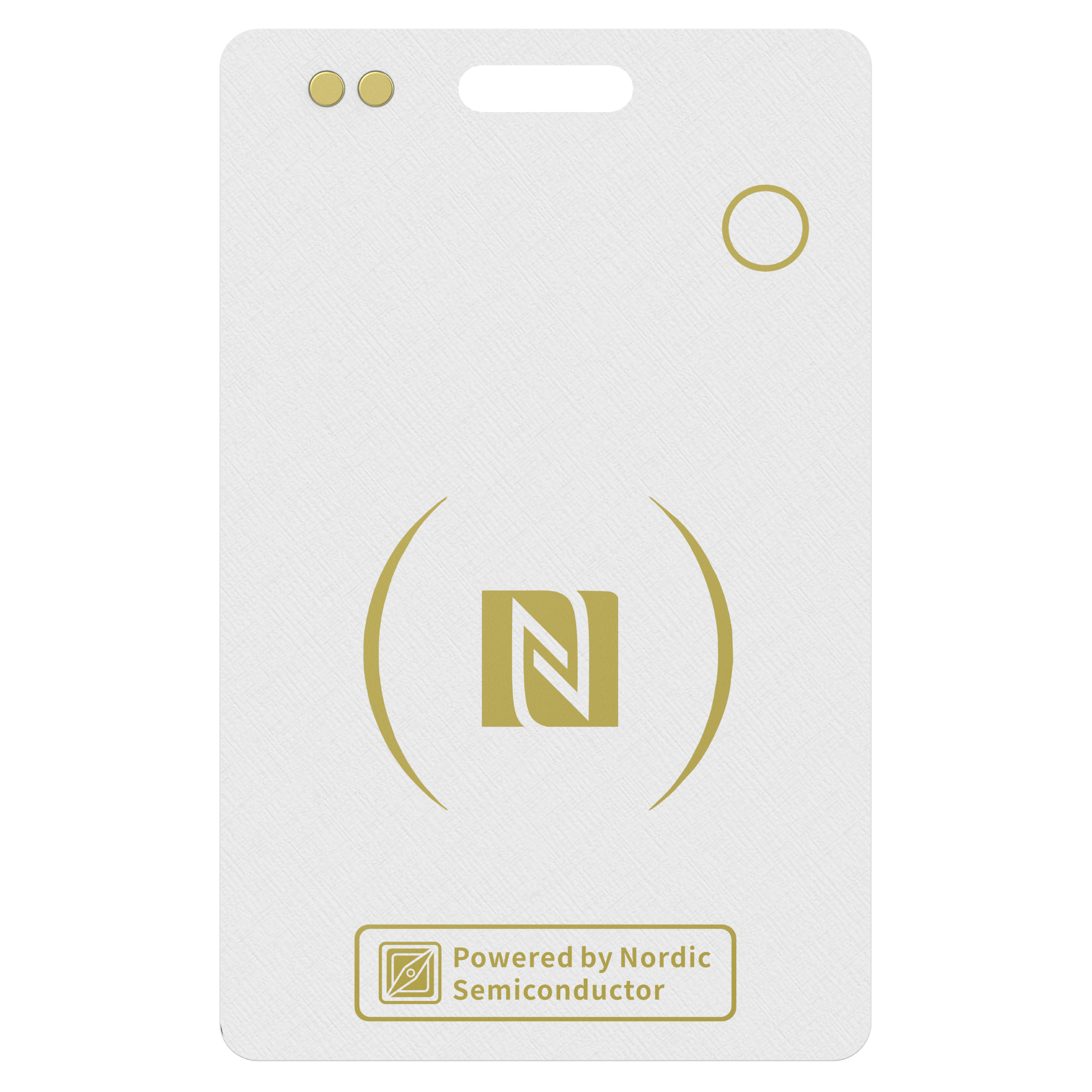
The SiNE CARD supports NFC (13.56 MHz) and can store NFC data in the NDEF format.
You can write NFC content using common NFC tools or apps, and share information by tapping the card with an NFC-enabled device, such as a smartphone.
Note: The NFC function is for information sharing only. Compatibility with access control or RFID systems depends on the system design and is not guaranteed.
 FAQ - SiNE CARD